Create a project user management system
Roles: Admin
With correct credentials admin should be able to login and see the dashboard.
if credentials are wrong he will stay on login page and show a message – wrong credentials.
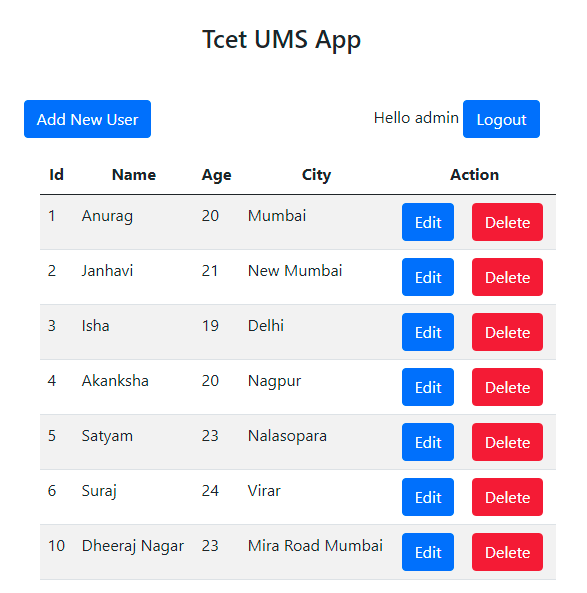
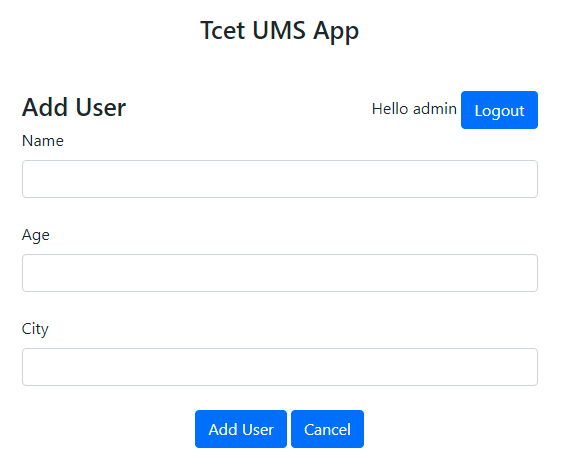
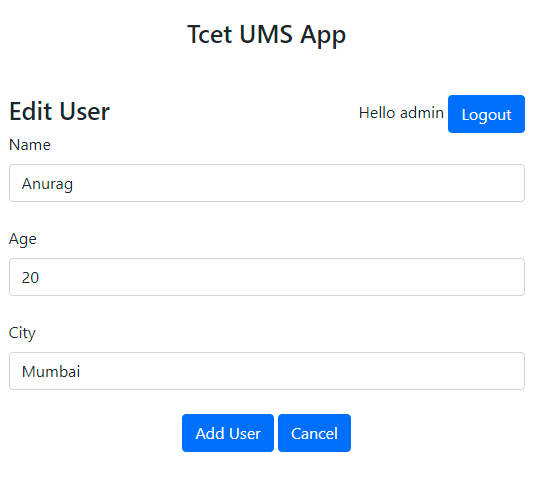
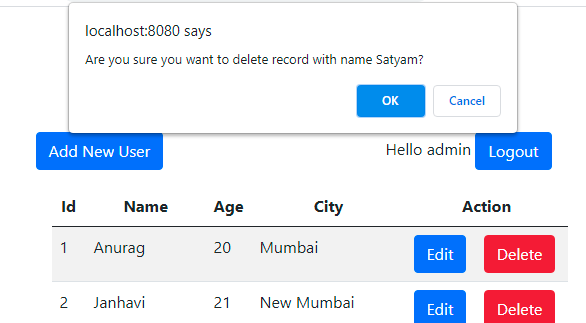
On successful login admin can see users list perform all CRUDL operations.
Following are the wireframes for reference.
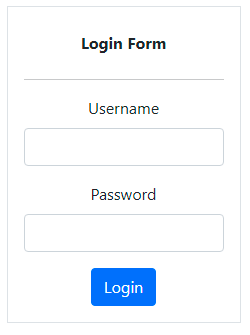
login.jsp
Deploy war on heroku
Signup and select java as primary language https://signup.heroku.com/
Download heroku cli from https://devcenter.heroku.com/articles/heroku-cli
heroku plugins:install java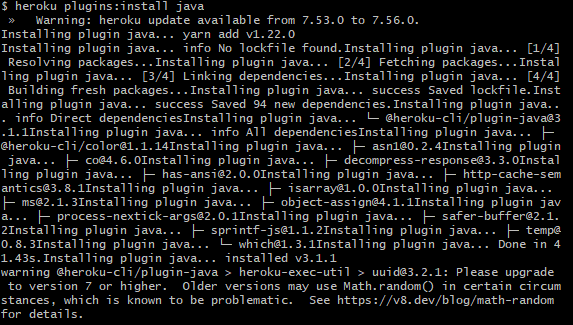
heroku login
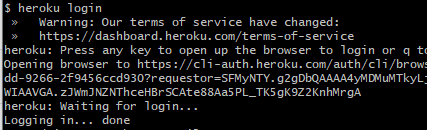
Open another terminal or gitbash and run following command
heroku war:deploy <path_to_war_file> --app <app_name>
Reference Code: https://gitlab.com/tcet/advanced-java